Hamation

Updated 3 March 2008

Shack-LAN

The simplest, most flexible station control system for SO2R and multiple station operation


Station Master

Touch-Screen Controller

Serial Keyer

Basic Radio Interface

Advanced Radio Interface


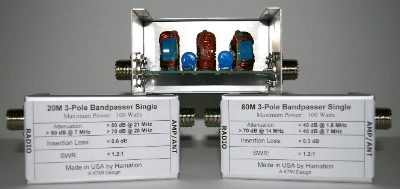
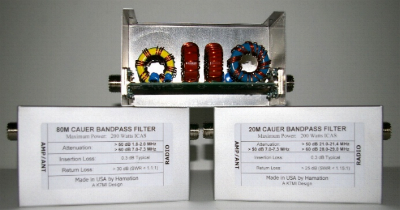
Bandpass Filter Unit


Antenna Switches


Relay Driver


Many articles have been written on how to wire and control a two-radio station or stations with multiple operating positions. All past solutions have required a lot of custom cabling with multi-conductor cables and possibly a complex diode matrix for antenna selection. While this method may work, it is tedious and difficult to change station configurations.

   With ShackLAN, all antenna switching, rotor control, radio control, stack switching, etc are interconnected via a standard Ethernet networking hub using standard, inexpensive, off-the shelf network cables. This allows every operating position to have access to all antennas and rotor controls. Since most multi-multi stations already have a network for connecting each operating position, you have already installed most of the wiring.

   Do you have a multiple radio setup and occasionally like to set up a separate operating position for a multi-two contest effort? With ShackLAN, all you need to provide for the second station is a network connection and a feedline to give the temporary station full access to antennas, filters, rotor controls, etc. ShackLAN is also ideal for the ham who has a main station in one room of the house and a casual operating position in a different location, such as a den or family room.

   Ever had an antenna fail during a contest? Most of us had, at one time or another. With ShackLAN, it takes only seconds to remap your antenna assignments.

   With ShackLAN, you do not need to boot up your computer just to run your station. All ShackLAN products operate independently of your computer and you only need your computer to configure the system using our simple, intuitive GUI configuration software.

   All Shack-LAN network commands are sent in plain text and are fully documented for those who wish to write their own custom control software.


Email info@hamation.com for more information


V3 Configuration Utility

V4 Configuration Utility

V2 Touch-Screen Utility

V3 Touch-Screen Utility

V4.1 StationMaster Software

V5.1 StationMaster Software

Firmware Updates

All Hamation products are available from Array Solutions